FounderBizCard overview
Visit the main FounderBizCard homepage for the full product overview, free vs Pro pricing, and product positioning.
Visit the main pageQR code contact card for instant sharing
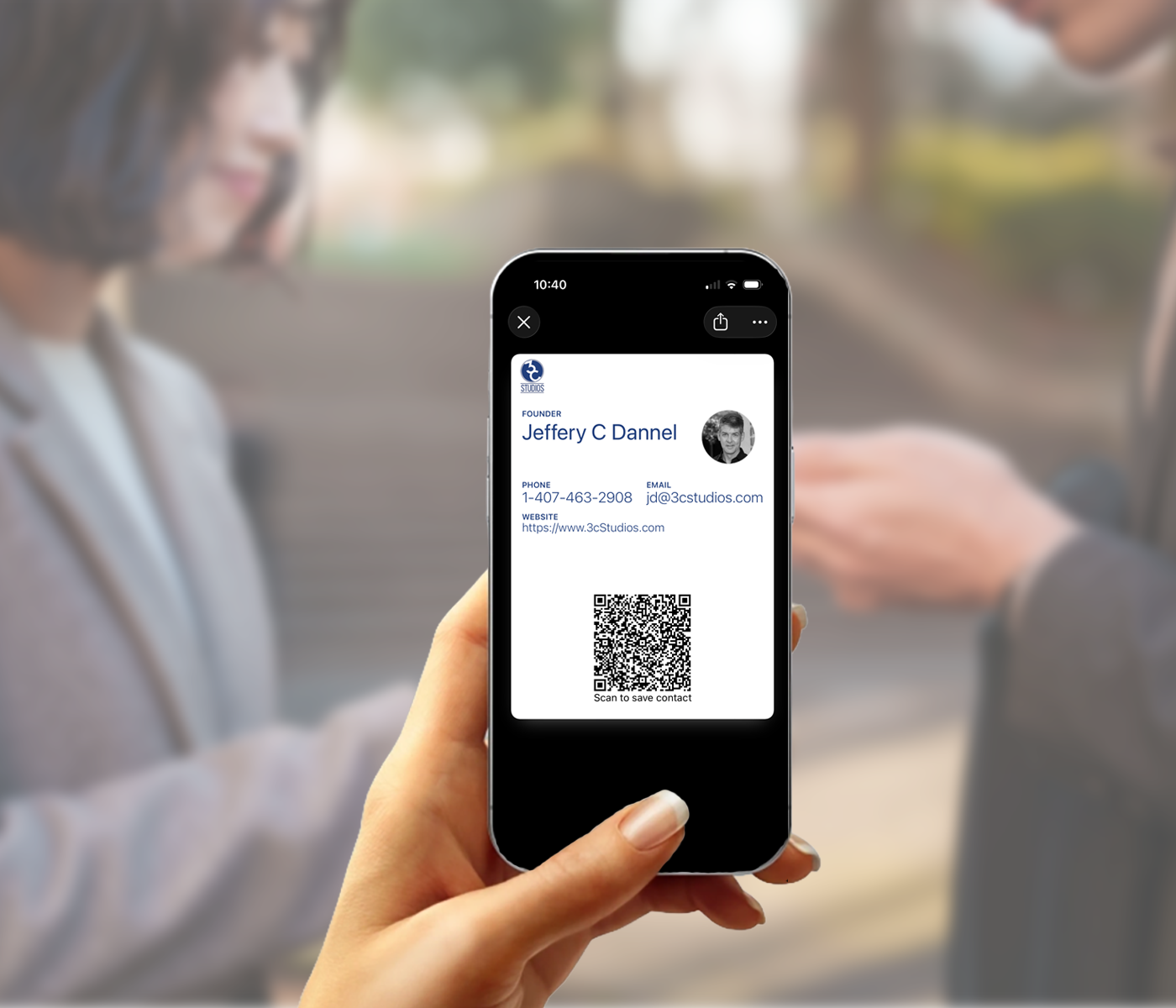
Your business card should always be easy to share. Create a free QR code contact card and let people scan and save your information instantly from Apple Wallet or Google Wallet.
Already have a Pro card? Access your card
Related pages
Some people care most about QR sharing. Others want to understand the broader wallet-native model or the Apple Wallet experience specifically.
What it is
A QR code contact card lets someone scan your code and save your contact details from their phone. It turns a clumsy exchange into a simple one. Instead of spelling out an email address or hoping someone types your phone number correctly, they scan and save.
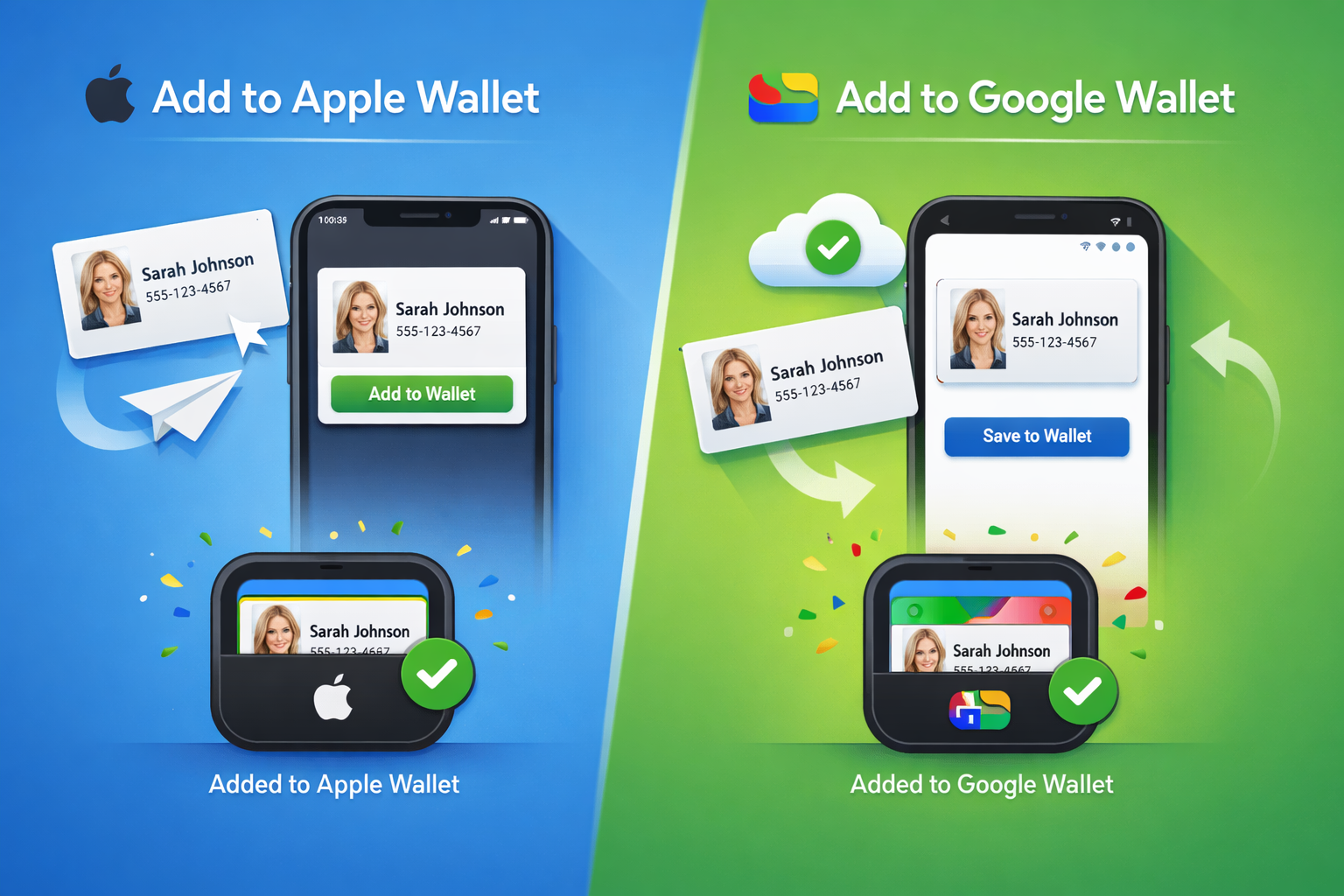
FounderBizCard brings that experience into Apple Wallet and Google Wallet so your QR code card is easy to access and ready when someone asks for your information.
How it works
The point of a QR code contact card is speed and clarity. It should help the exchange happen, not become the event itself.
Add your name, title, company, and contact details.
Access your card from Apple Wallet or Google Wallet and display the QR code on your screen.
The other person scans the QR code and saves your contact details directly from their phone.
No repeating your email address like a hostage negotiator with punctuation.
No stack of cards to carry, lose, bend, or forget in the other jacket.
Most people already know what to do when they see a QR code on a phone.
Create your QR code contact card without committing to anything upfront.
Why QR works
People are busy. Conversations move fast. Contact exchanges often happen while standing, walking, networking, traveling, or wrapping up a meeting. That is exactly why QR works.
A QR code contact card removes unnecessary friction. It gives the other person one obvious action: scan the code. That simplicity is what makes it practical.
Where this fits
These are the moments where speed matters more than ceremony.

Useful when you are meeting several people quickly and no one wants to type anything into their phone.
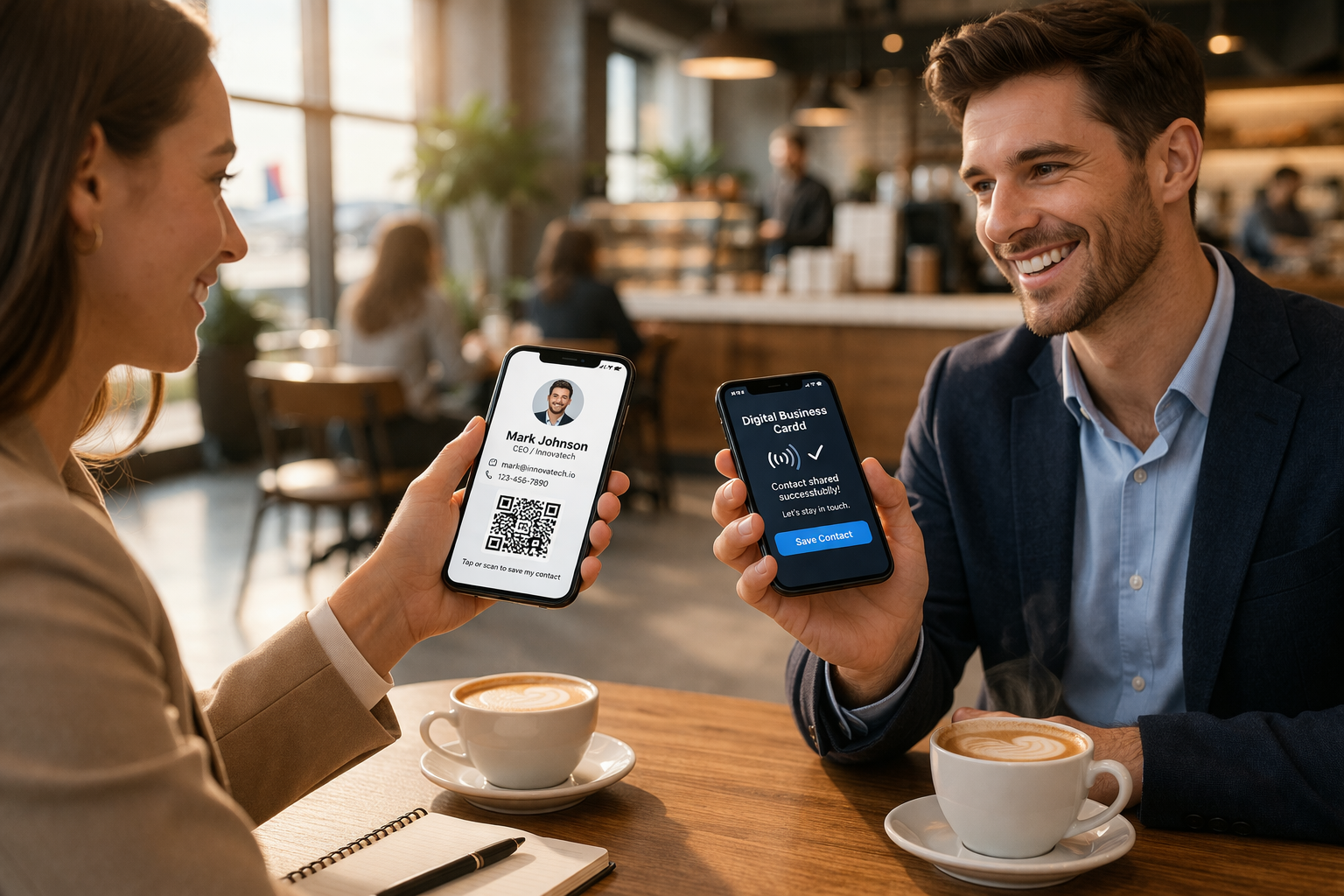
Open the card, show the code, and keep the conversation moving without friction.
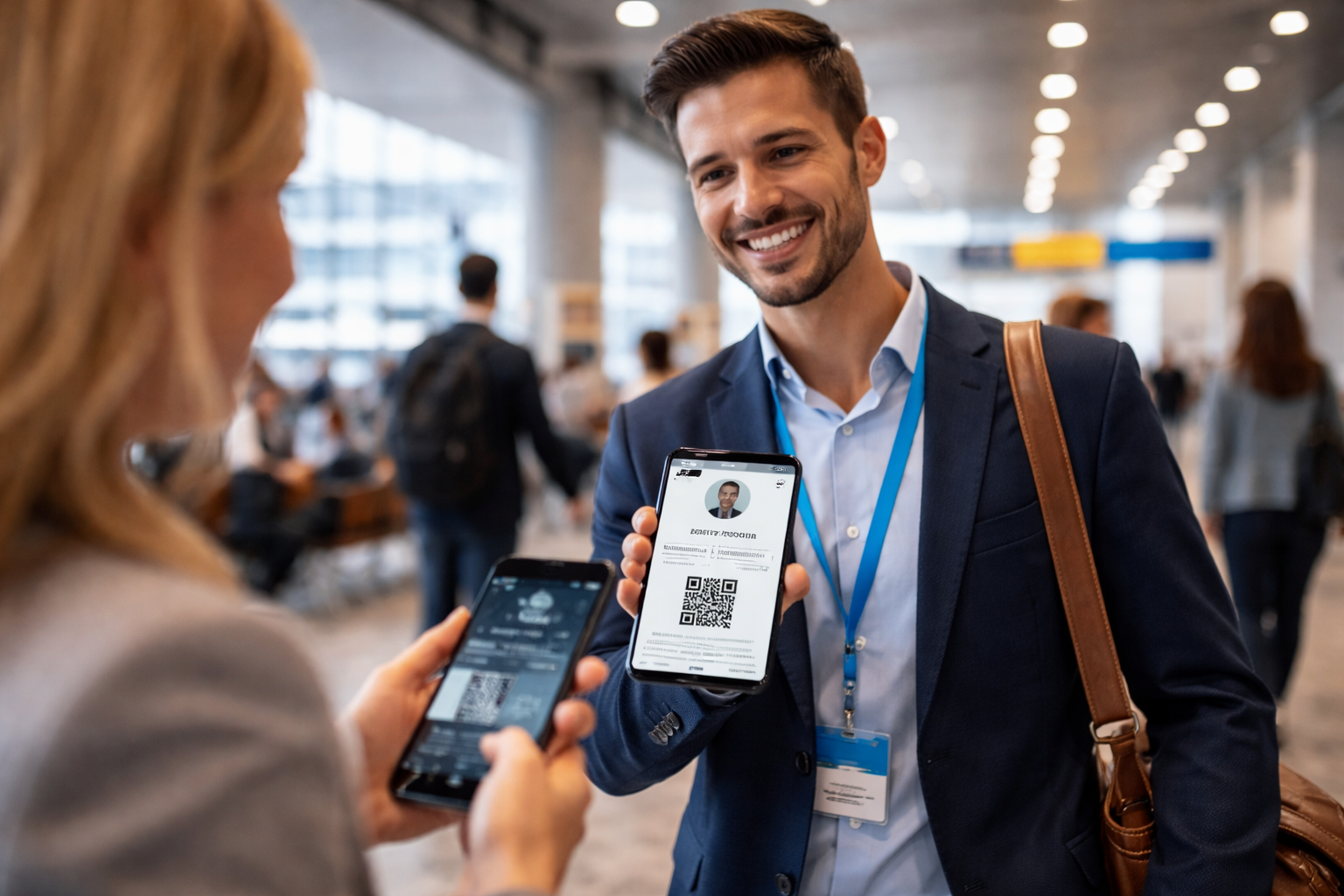
Practical when you are mobile, meeting people on the go, or exchanging details away from your desk.
Why this beats manual sharing
Every manual exchange introduces friction. A mistyped email address. A missed digit. A forgotten card. A promise to “send it later” that quietly joins the witness protection program.
A contact exchange should take seconds, not become a tiny collaborative data-entry project.
FAQ
A QR code contact card is a digital contact card that displays a QR code people can scan to save your contact information from their phone.
They scan the QR code shown on your card and save your contact details directly from their device.
Yes. A QR code business card and a QR code contact card are often used to describe the same basic idea: instant scan-based contact sharing.
No. FounderBizCard is designed around Apple Wallet and Google Wallet, so everyday use does not depend on a separate app.
Yes. FounderBizCard supports Apple Wallet on iPhone and Google Wallet on Android.
Yes. You can start free, then Go Pro if you want more branding, flexibility, and promotion options.
Free vs Pro
Start with a free Universal Basic card, or choose Pro up front if you want a more polished, branded, and flexible digital identity experience from the start.
Free
A clean, fixed digital business card that lives in your wallet and is ready to share anytime.
Pro
Pro is for professionals who want more than a basic card. It adds enhanced visual control, brand-powered setup, flexible creation, and more ways to share who you are.
Free is the fast path to a wallet-ready card. Pro is the better choice when you want a more polished presentation, a faster setup experience, and more ways to promote yourself beyond the card itself.
More than a basic card
A free card helps you share your contact information. Pro helps you shape how people experience your brand after that first connection.
Choose from multiple templates with enhanced visual control so your card feels more personal and more aligned with your brand.
Pull your company logo and colors automatically from your website with BrandFetch instead of hunting down files, hex codes, or design assets.
Build and manage your card from desktop or mobile, then have it delivered by email so you can install it on the device you actually use.
Add a personalized landing page with content, social links, product links, and other ways for people to learn more about you and what you do.
Download unlimited QR codes and use them on signage, presentations, printed materials, product packaging, and anywhere else you want people to reach you.
If a basic wallet card is enough, Free gets you moving fast. If you want branding, flexibility, and more ways to connect, Pro is the better place to begin.
Start free with a wallet-ready digital business card, or Go Pro for templates with enhanced visual control, brand-powered setup, personalized landing pages, and unlimited downloadable QR codes.
Free to start. Ready when you are.