Create your card
Add your name, company, title, and contact details.
Apple Wallet business card for iPhone
FounderBizCard helps you create an Apple Wallet business card for iPhone so your contact details are easier to share, easier to reach, and easier to keep with you.
Already have a card? Access your existing card
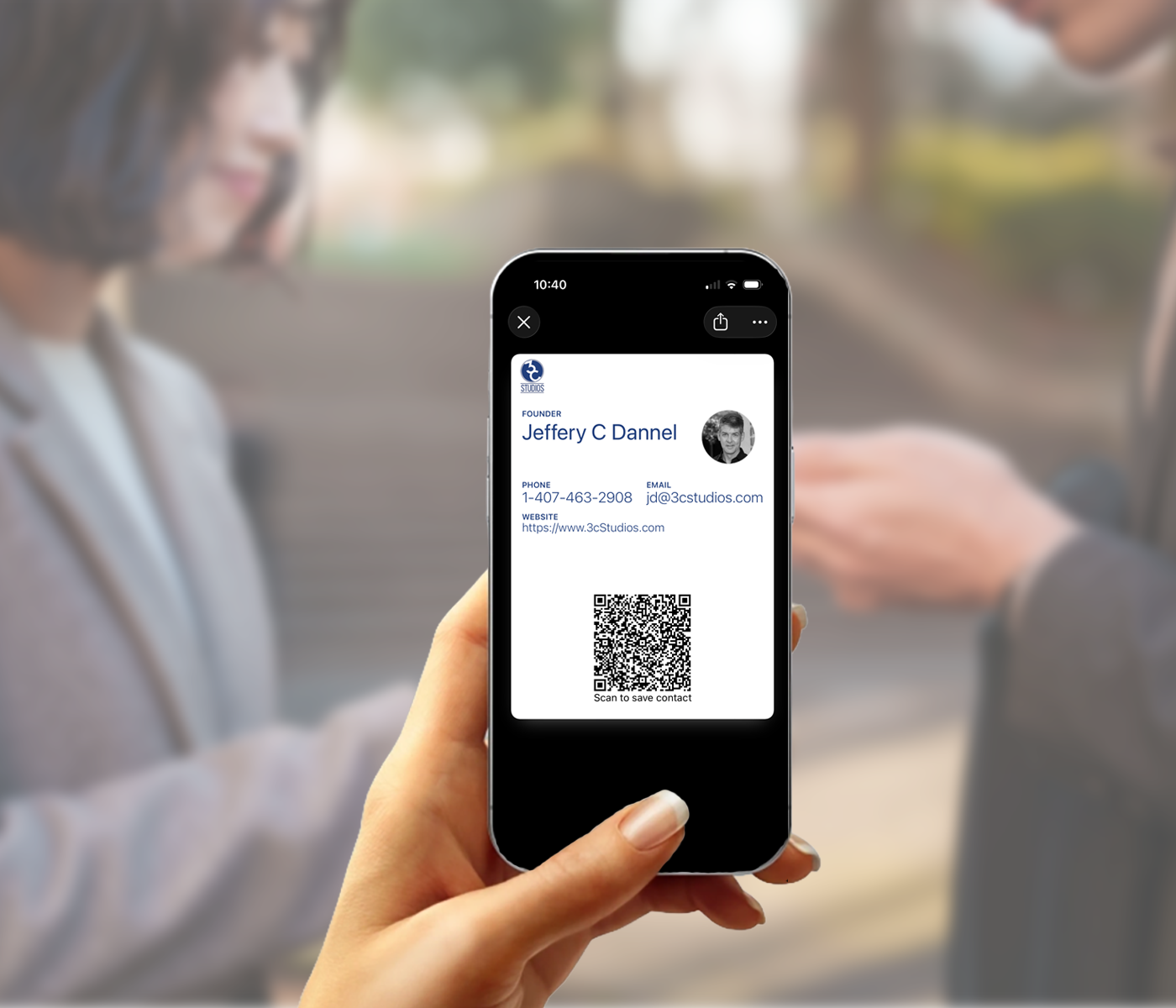
What it is
An Apple Wallet business card is a digital business card designed to live directly in Apple Wallet on iPhone. Instead of reaching for a paper card, you open Wallet, display your card, and let someone scan your QR code to save your contact details.
It is a cleaner sharing experience for real-world conversations, especially in the moments where paper cards are missing, outdated, or buried in a pocket or bag.
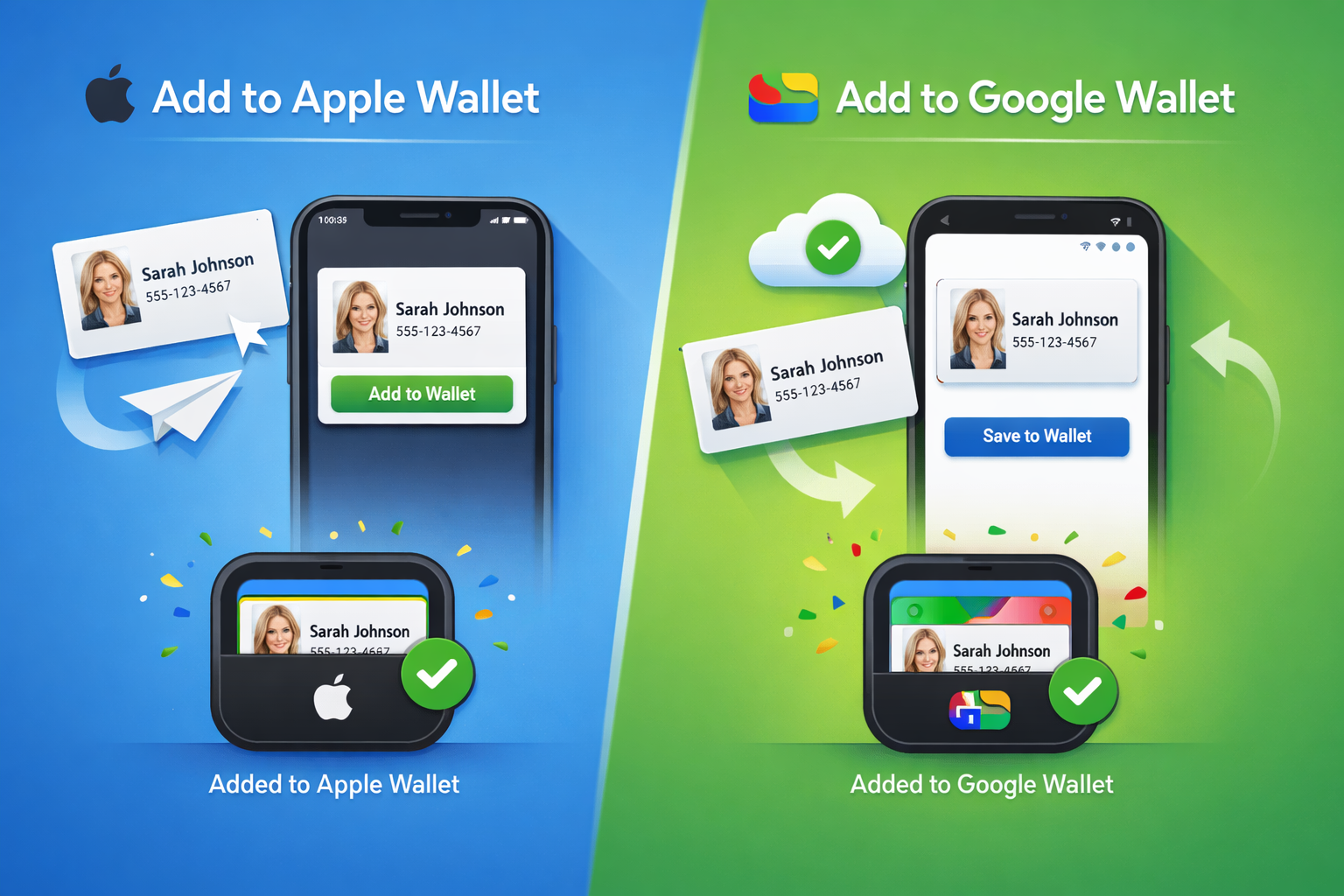
How it works
The goal is simple: make your business card faster to reach and easier to share from the device you already carry.
Add your name, company, title, and contact details.
Save your digital card to Apple Wallet on iPhone so it is ready when you are.
Let someone scan your code and save your contact information from their phone.
Why Apple Wallet
A lot of digital card tools add extra steps. They send people to a page, ask them to tap around, or make the exchange feel more like software than a simple introduction.
Apple Wallet is different. Your card is already on your iPhone, which makes it easier to open, show, and use in the moment.
Free vs Pro
Start with a free Universal Basic card, or choose Pro up front if you want a more polished, branded, and flexible digital identity experience from the start.
Free
A clean, fixed digital business card that lives in your wallet and is ready to share anytime.
Pro
Pro is for professionals who want more than a basic card. It adds enhanced visual control, brand-powered setup, flexible creation, and more ways to share who you are.
Where it fits
This format works best in the places where people need to exchange information quickly and clearly.

Useful when time is short and paper cards disappear fast.
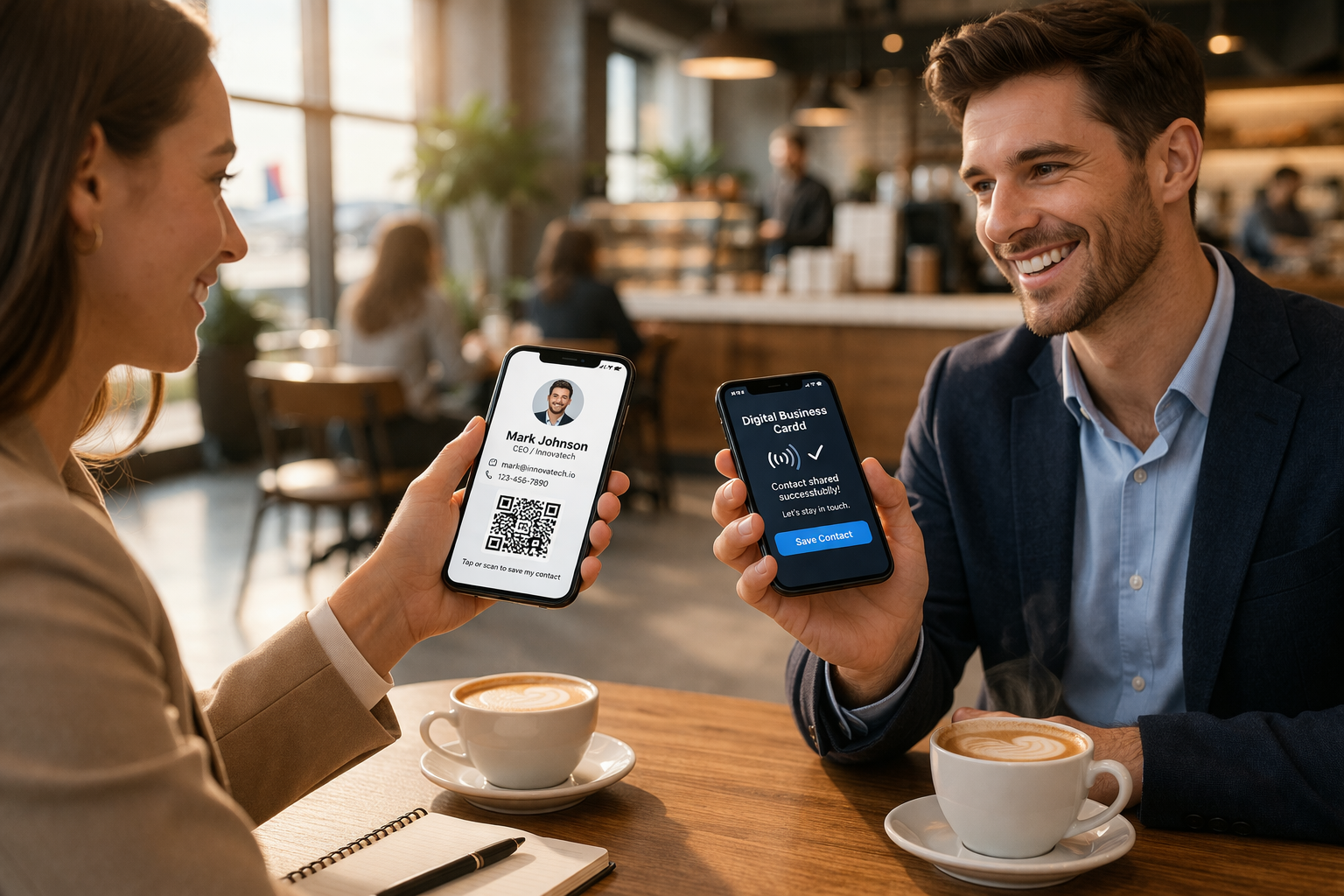
Open Wallet, show the card, and keep the conversation moving.
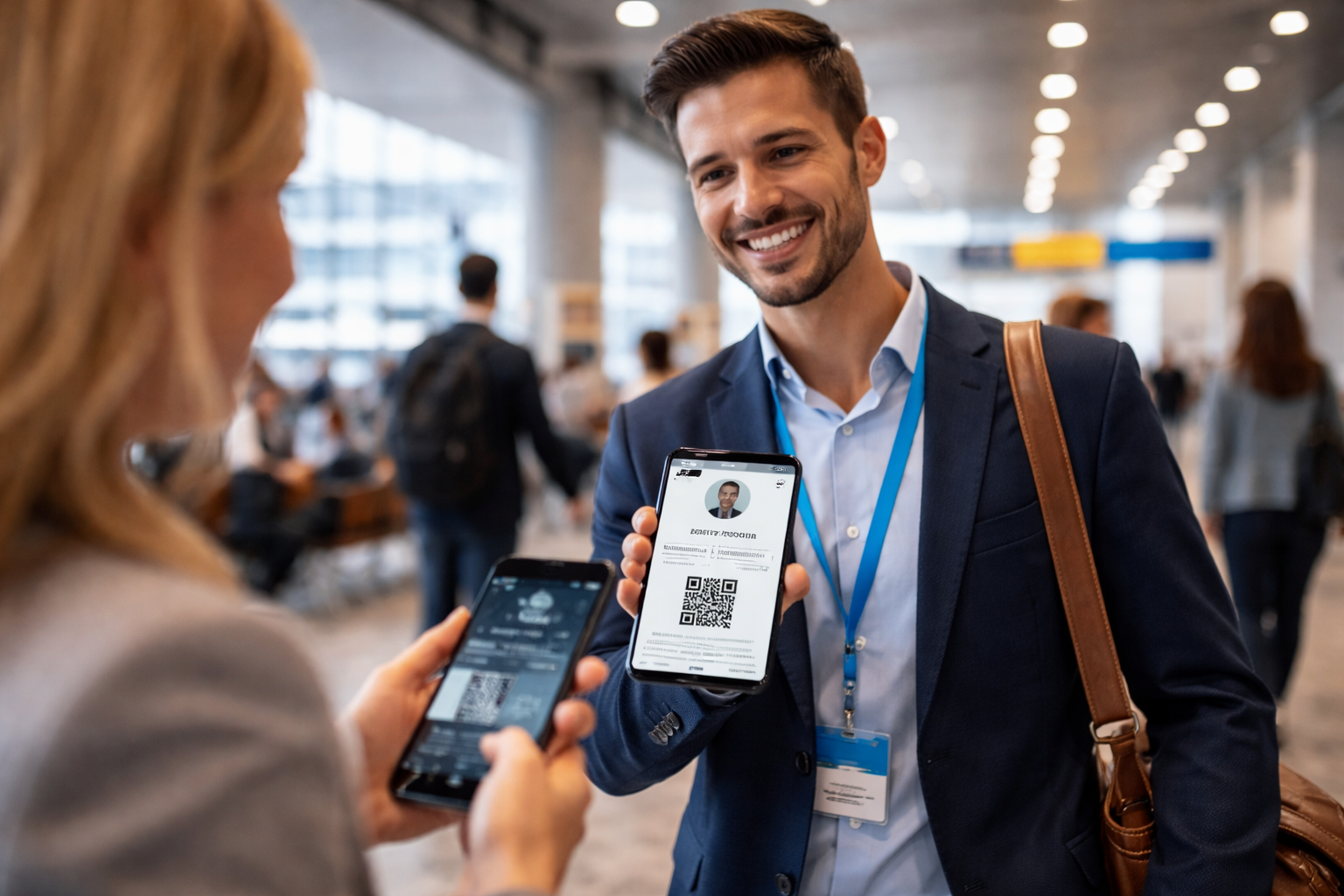
Practical when you are on the move and still need to share clearly.
FAQ
Yes. FounderBizCard helps you create a business card that can be added to Apple Wallet on iPhone.
They scan the QR code on your Apple Wallet card and save your contact information from their phone.
No. The everyday sharing experience is built around Apple Wallet rather than requiring another app.
Yes. This page focuses on Apple Wallet for iPhone. FounderBizCard also supports Google Wallet for Android.
Yes. You can start free, then Go Pro if you want more presentation and update flexibility.
Because your card is easier to reach, easier to share, and easier to keep with you when it lives on your phone.
Related pages
Some visitors are looking specifically for Apple Wallet. Others want the broader wallet-native view or want to focus on QR contact sharing.
Ready when you are
Start free today, then Go Pro when you want to unlock more.
Free to start. Pro when you are ready.